IPTV on Smart TV: Samsung & LG Setup Guide 2026
Setup · 7 min read · 5 August 2026
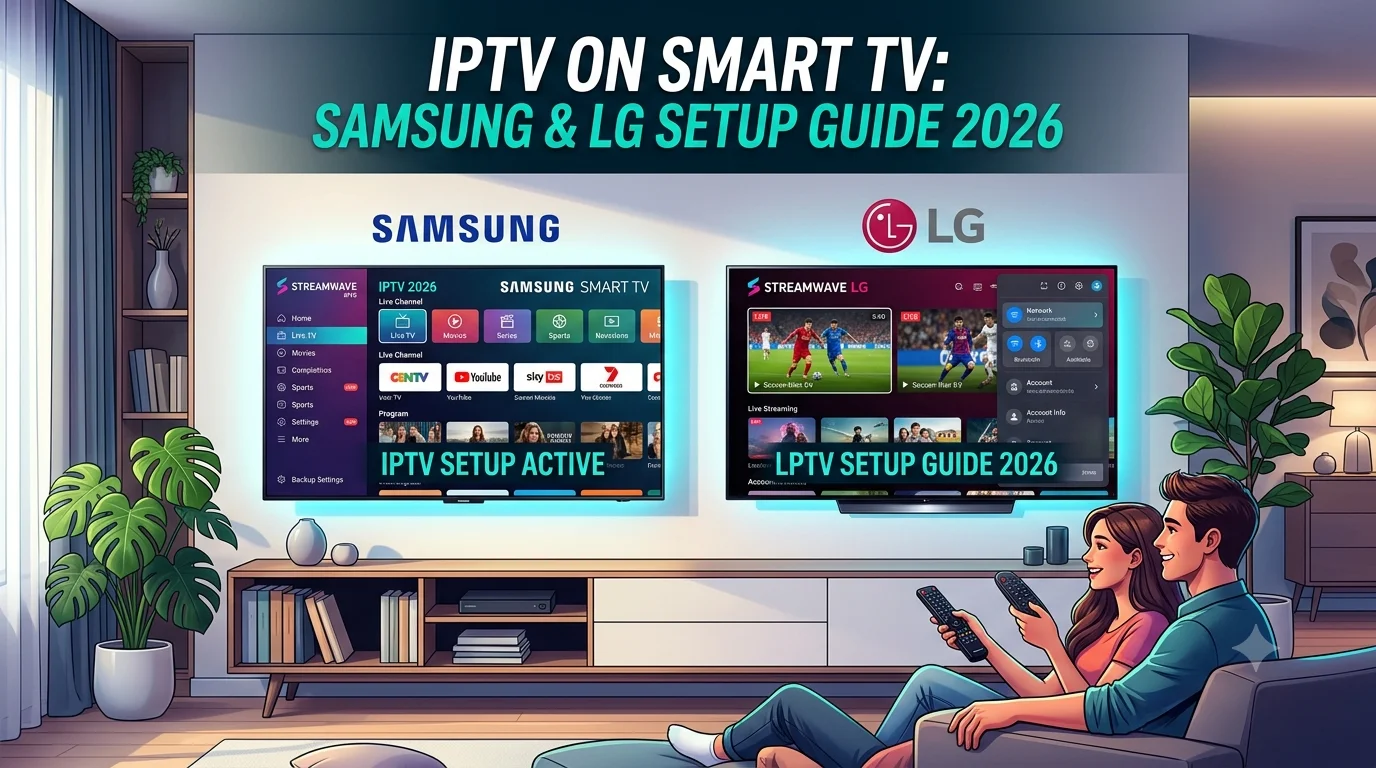
Watching IPTV directly on your Samsung or LG Smart TV means no extra boxes and no clutter — just your AtlasTV IPTV subscription in crisp 4K on the big screen. Here's how to set it up on both platforms in 2026.
Before you start
- Make sure your TV is connected to the internet (ideally by Ethernet cable for the most stable 4K).
- Have your AtlasTV login details ready — sent by email and WhatsApp after ordering.
Samsung Smart TV (Tizen)
Open the Samsung Apps store from your home screen, search for a compatible IPTV player, and install it. Launch the app, choose to log in with Xtream Codes or an M3U link, and enter your details. Your channels and TV guide will load within seconds.
LG Smart TV (webOS)
Open the LG Content Store, search for an IPTV player and add it to your apps. Open it, enter your login details the same way, and confirm. The layout is identical to other devices, so there's no learning curve.
Can't find the app?
If your model's store doesn't list a specific player, several alternative IPTV apps accept the same login details and give the same result. Our support team can recommend the right one for your exact TV — just message us on WhatsApp.
Stream on your Smart TV today
30,000+ channels and 150,000+ films & series in 4K, activated in minutes with 7-day support.
View PlansUsing a streaming stick instead? Follow our Fire TV Stick setup guide. Picture keeps pausing? Try our buffering fixes.
Frequently asked questions
Yes. Install a compatible IPTV player from the Samsung Apps store (Tizen) or the LG Content Store (webOS) and log in with your Xtream Codes or M3U details.
No. Modern Samsung and LG Smart TVs run IPTV player apps directly, so no external box or stick is required.
Some TV models list different players. An alternative IPTV app that accepts the same login details works identically — our support can recommend the right one for your model.
Yes, on 4K Samsung and LG TVs with a connection of at least 25 Mbps. A wired Ethernet connection gives the most stable picture.