How to Set Up IPTV on a Fire TV Stick (2026 Guide)
Setup · 8 min read · 5 August 2026
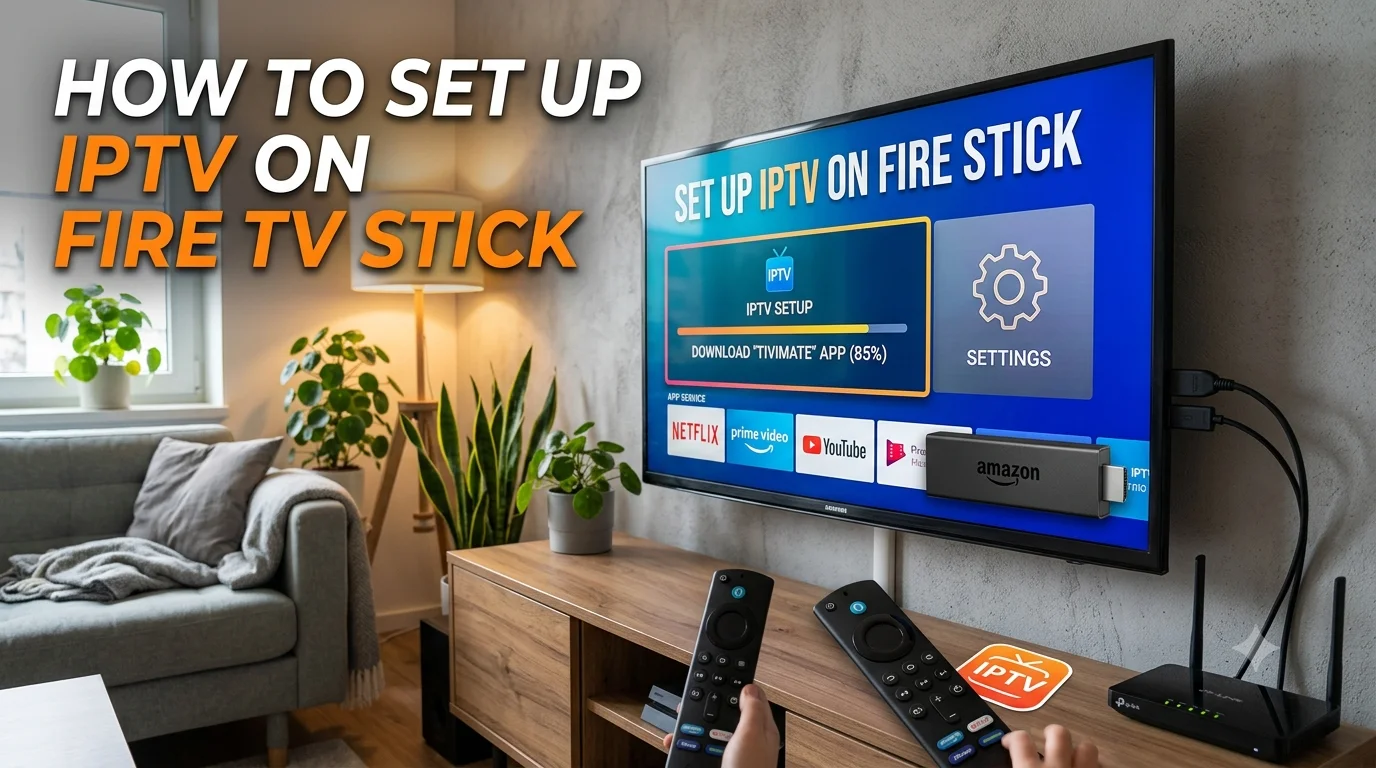
The Amazon Fire TV Stick is the easiest and most affordable way to turn any TV into a smart streaming hub. This guide shows you exactly how to install and activate your AtlasTV IPTV subscription on a Fire Stick and start watching in 4K — in just a few minutes.
What you'll need
- An Amazon Fire TV Stick (any recent model; 4K Max recommended for UHD)
- A stable internet connection of at least 25 Mbps for 4K
- Your AtlasTV login details (sent by email and WhatsApp after ordering)
Step 1: Allow app installation
From the Fire Stick home screen, go to Settings → My Fire TV → Developer Options and turn on Apps from Unknown Sources. This lets you install a compatible IPTV player.
Step 2: Install a player app
Search the Amazon Appstore for a compatible IPTV player and install it. If it isn't listed, use the free Downloader app to install one manually — search "Downloader", open it, and enter the download link for your chosen player.
Step 3: Enter your login details
Open the player and choose to log in with Xtream Codes (server URL, username and password) or an M3U link. Enter the details we sent you, confirm, and your channel list will load in seconds.
Step 4: Start watching
That's it — browse the live channels, on-demand films and TV guide, and set your favourites for quick access. If anything doesn't load, see our guide on fixing IPTV buffering.
Get your AtlasTV subscription
Instant activation, 30,000+ channels in 4K, and 7-day support to help you set up.
View PlansPrefer to watch on a television instead? Read our Samsung & LG Smart TV setup guide, or learn what makes the best IPTV subscription in the UK.
Frequently asked questions
Yes. Enable Apps from Unknown Sources in Developer Options, install a compatible IPTV player from the Amazon Appstore or via the Downloader app, then enter your login details.
Usually because Apps from Unknown Sources is turned off, or there is low storage or a weak connection. Enable it, free up space, restart the device and try again.
Yes, on the Fire TV Stick 4K or 4K Max with a stable connection of at least 25 Mbps.
Open the player, choose Xtream Codes or M3U, and enter the login details AtlasTV sends by email and WhatsApp. Your channels load in seconds.